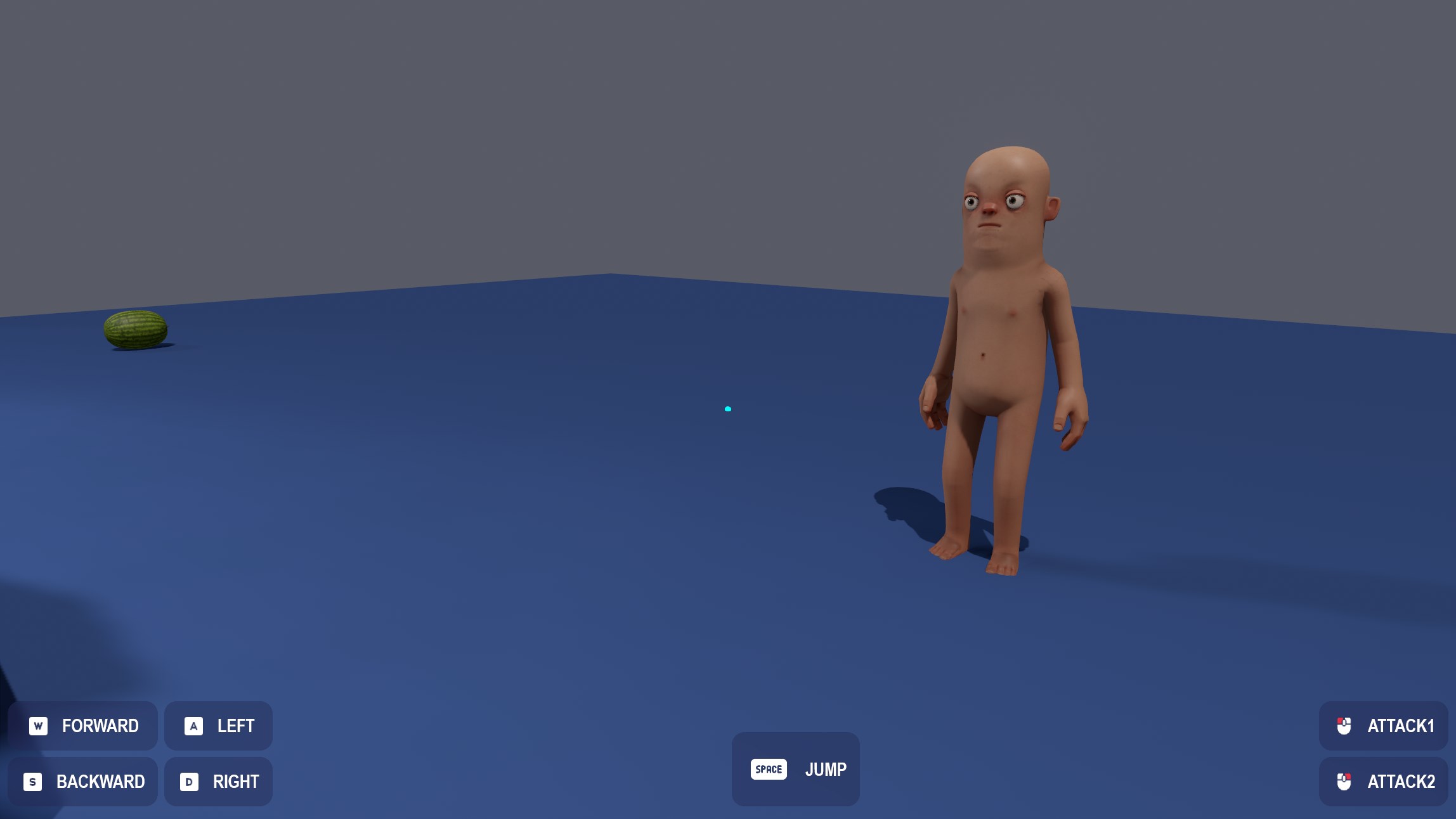
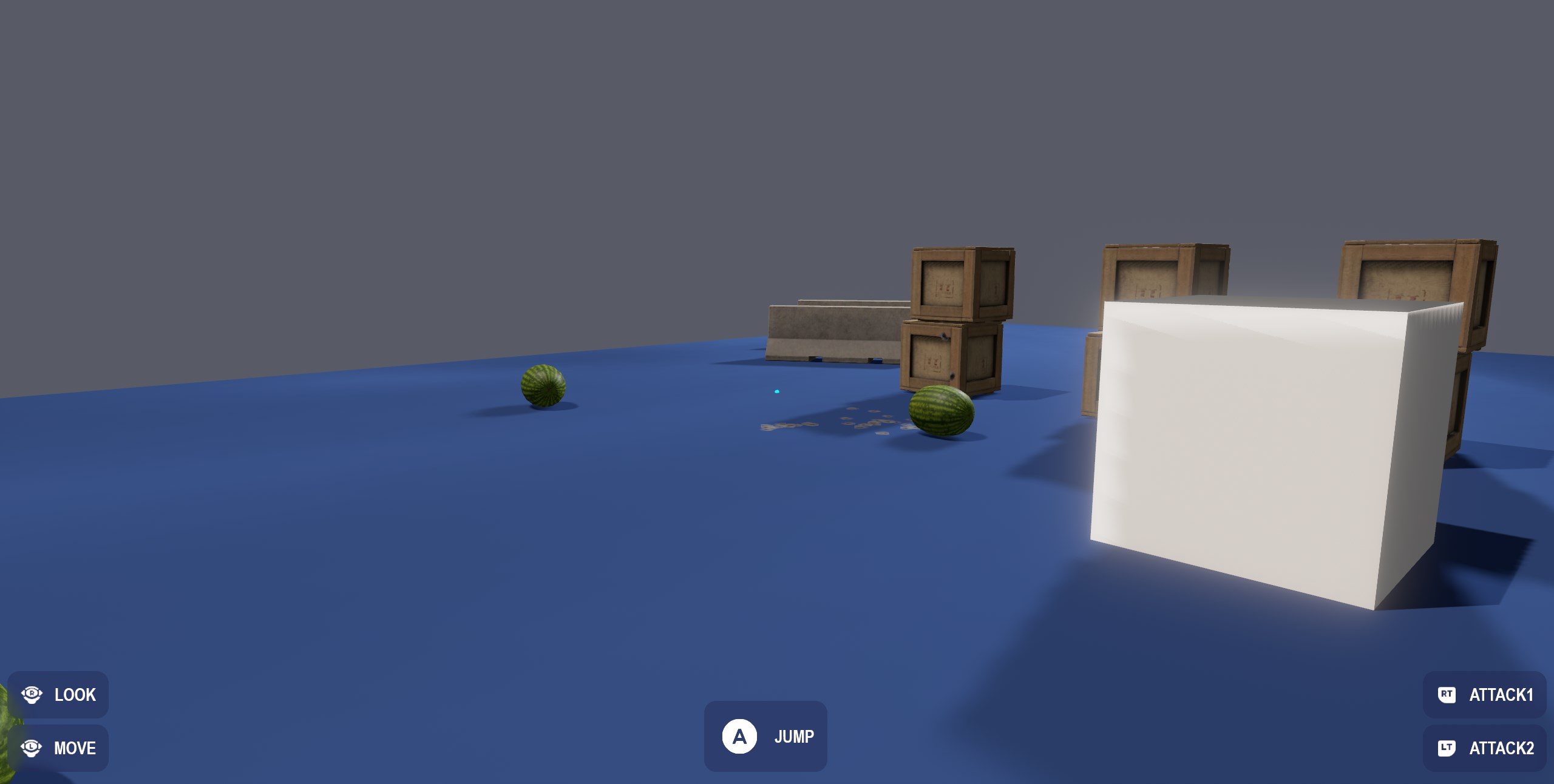
Glyphs
Input glyphs are an easy way to show users which buttons to press for actions, they automatically adjust for whatever device you're using and return appropriate textures.
Input glyphs are an easy way to show users which buttons to press for actions, they automatically adjust for whatever device you're using and return appropriate textures.
Texture JumpButton = Input.GetGlyph( "jump" );
Glyphs can change from users rebinding keys, or switching input devices - so it's worth it just grabbing them every frame.
You can also choose between the default and outlined versions of glyphs, like so:
Texture JumpButton = Input.GetGlyph( "jump", InputGlyphSize.Small, true );
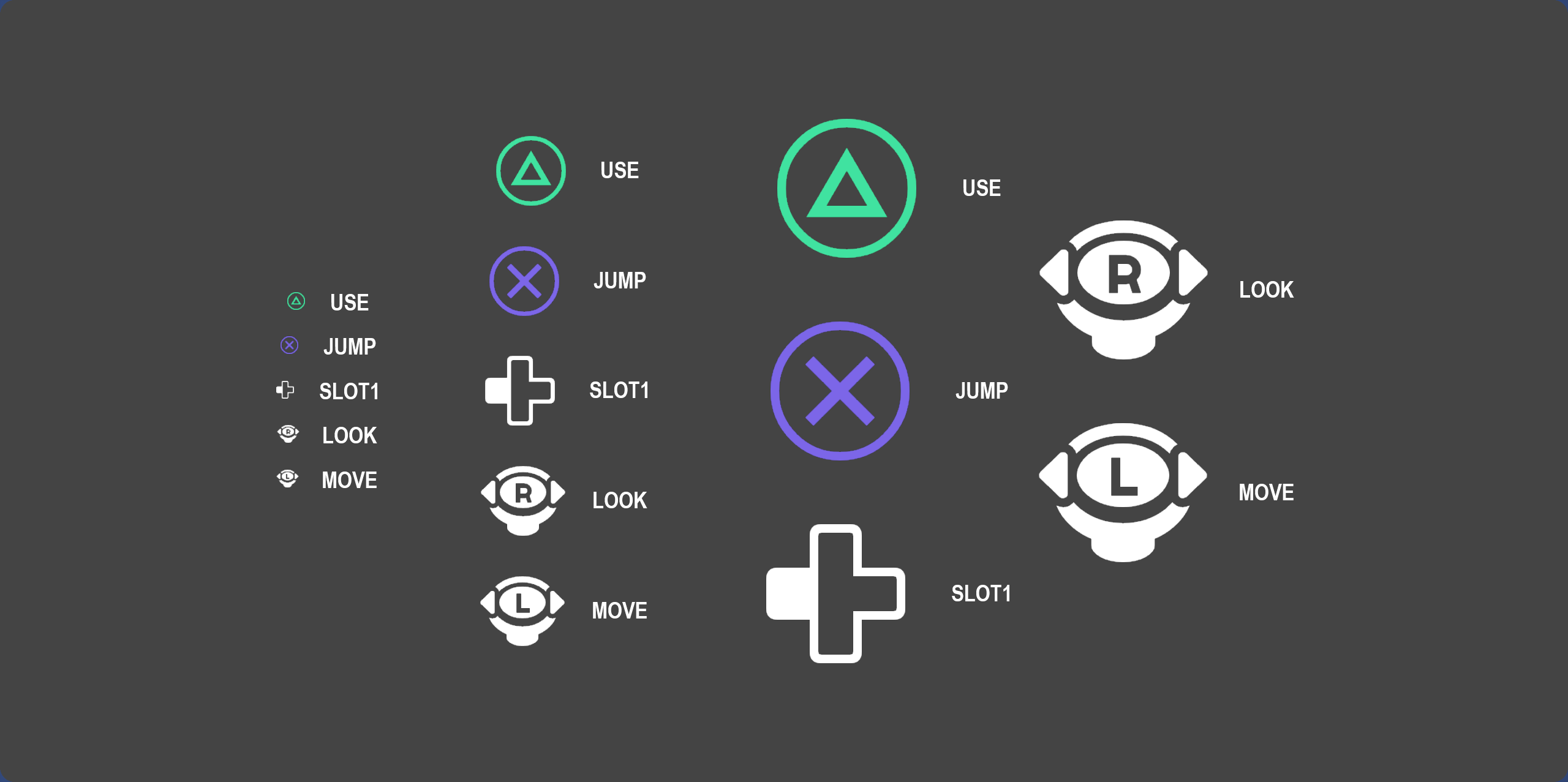
To use these quickly and easily in razor, you can use the resulting texture directly in an panel:
<Image Texture="@Input.GetGlyph( "jump", InputGlyphSize.Medium, true )" />
Examples