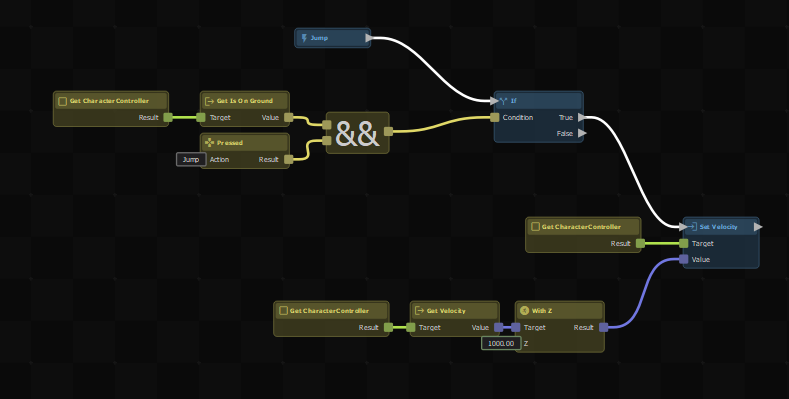
Action Resources
You can create your own nodes by making a .action game resource.
You can create your own nodes by making a .action game resource.
First select a bunch of nodes that do whatever you want your new node to do, then right-click and select Create Custom Node…
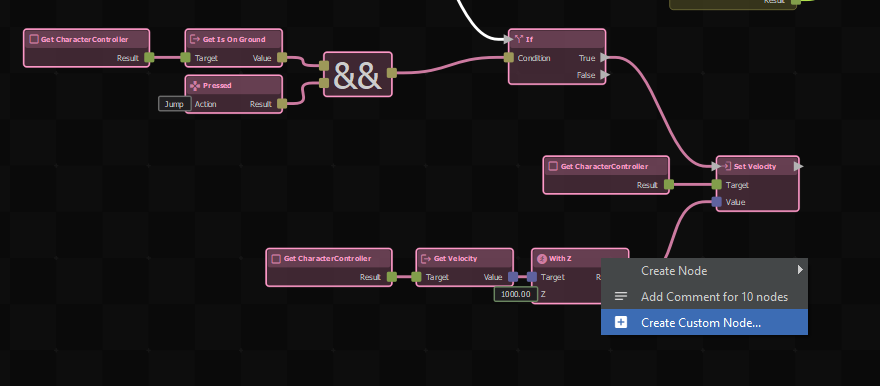
The button won't appear if it's not possible to split the selected nodes from the current graph, for example if you've selected the root node.
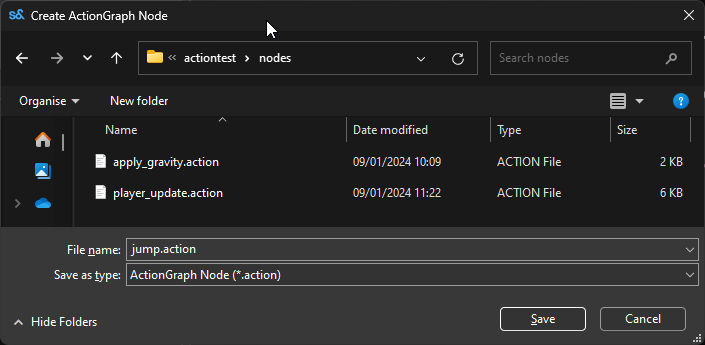
You'll then get a dialog to save your new node to a file.
After clicking Save, you'll see the selected nodes have been replaced by a new single node with the name you chose.
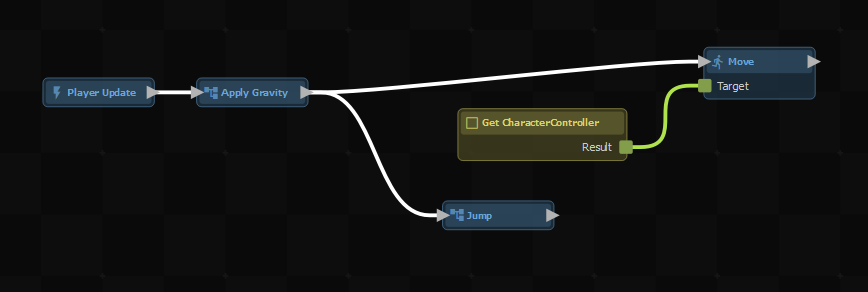
You can double-click on a custom node to open it in the editor. You'll see a root node was created for you, and if your selection had any out-going links there will be an output node too.